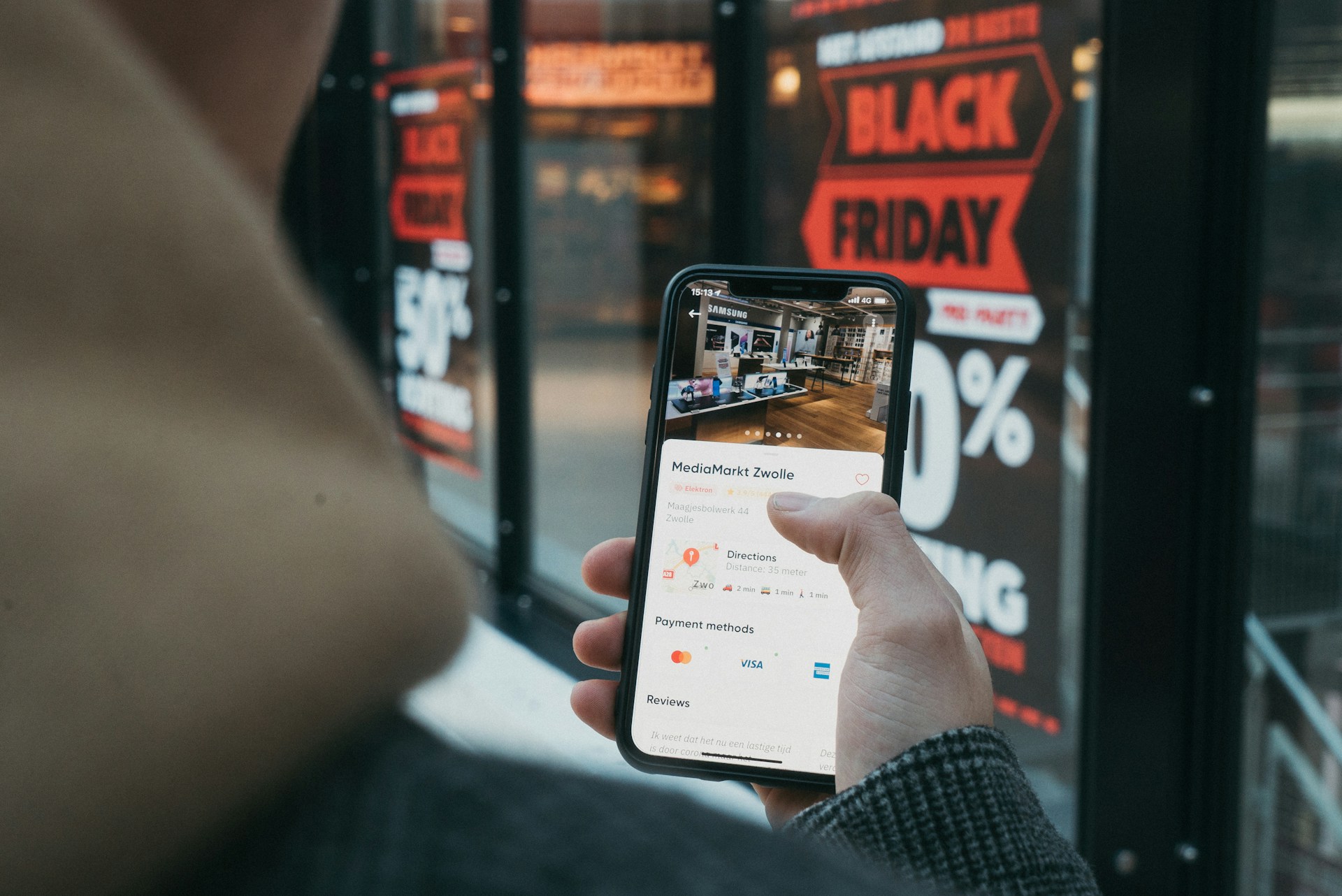
Instagram bans come in different forms, and one that can be particularly problematic, especially for service-based and product businesses targeting a specific location, is being banned from location sharing.
You go to tag a location on a post or Story, and the option simply isn’t there. Sometimes, the option may be there, but you get a notice saying location sharing has been restricted on your account. If you’ve been banned from location sharing on Instagram, here’s what’s actually happening and what to do next.
What It Means to Be Banned From Location Sharing on Instagram
Being banned from location sharing on Instagram is a feature-specific restriction rather than a full Instagram account suspension. This happens because Instagram can restrict individual features while every other part of the account keeps working normally. It’s a narrower, usually automated action, and in most cases it resolves on its own without needing a formal appeal.
That distinction is important because it changes what you should actually expect. A full account disablement or ban typically requires filing an appeal and can take real time to resolve.
Getting banned from location sharing specifically tends to be temporary and the restriction lifts once its window passes, with no action required beyond waiting it out. Despite this, it is important to know why it happens. Otherwise, it may occur when you really need to share your location and hamper your social media strategy.
Why Instagram Restricts Location Sharing
A handful of causes come up repeatedly behind this specific restriction.
- Tagging the same location repeatedly across many posts: Businesses that consistently tag a storefront, event venue, or service area can occasionally trigger Instagram’s spam detection if the pattern looks repetitive enough, especially over a short window.
- Location spoofing or GPS inconsistencies: If a device’s location settings don’t match the tagged location, including through VPNs, location-spoofing apps, or accessing the account from an unusual region, Instagram’s systems may flag the account as suspicious and restrict location sharing as a precaution.
- Rapid tagging across multiple, unrelated locations: Tagging several different locations in quick succession, particularly ones that aren’t geographically close to each other, can read as automated or inauthentic activity rather than genuine, real-time posting.
- Third-party tools that auto-tag or auto-post location data: Some scheduling and automation tools interact with location tagging in ways that trigger flags more readily than manual tagging does, making a location-sharing restriction one of the more common side effects of using them.
- A recent account or device change: A new login, a new device, or a new team member or agency managing the account can coincide with a temporary restriction on location sharing, since Instagram’s systems are built to flag sudden shifts in account behavior.
- No identifiable reason at all: It’s entirely possible to get banned from location sharing on Instagram without anything on the account having genuinely changed. Automated systems aren’t perfect, and an unclear cause doesn’t mean the restriction is permanent.
How to Fix Being Banned From Location Sharing on Instagram
- Stop repeatedly attempting to tag a location. Retrying the same tag multiple times while the restriction is active doesn’t clear it faster, and can occasionally extend it, since repeated attempts during a block can look like more of the same flagged behavior.
- Check your device’s location and network settings. If a VPN, spoofed GPS, or inconsistent location data was involved, correcting that before the account is reviewed again reduces the odds of the same restriction recurring.
- Look at your recent tagging pattern. If you’ve been tagging the same or several different locations frequently, spacing that out once access returns tends to reduce the chance of it happening again.
- Disconnect any automation tool that was handling location tags. If a scheduling or posting tool had access to location tagging when the restriction hit, remove that access before trying again. If you try reconnecting immediately, it may trigger the same flag.
- Give it time before escalating. Most location-sharing restrictions clear within a few hours to a few days without needing a formal appeal. If it’s been longer, or you’re seeing restrictions on other features too, you’re likely dealing with something broader than a location-sharing issue specifically. In that case, the steps in our guide on how to recover a suspended Instagram account are the more relevant next read.
When It’s More Than a Location Sharing Ban
Being banned from location sharing on Instagram on its own is usually a narrow, temporary restriction. It’s worth taking more seriously if it hasn’t lifted after several days, if other features like posting or logging in are also affected, or if the notice references a specific policy violation instead of a generic restriction. In those cases, what looks like a location-sharing issue may actually be part of a wider suspension.
How We Help
Feature-specific restrictions like a location-sharing ban are common, and telling the difference between such a ban which will typically resolve on its own and a sign of something bigger is most of what determines how quickly it gets sorted out.
If location tagging matters to how your business shows up on Instagram and you’d rather this be handled than guessed at, get in touch with GrowTally.